Survival Guide: Engaging in Videoconferences
How to maintain team engagement and run impactful 30-minute remote business meetings.
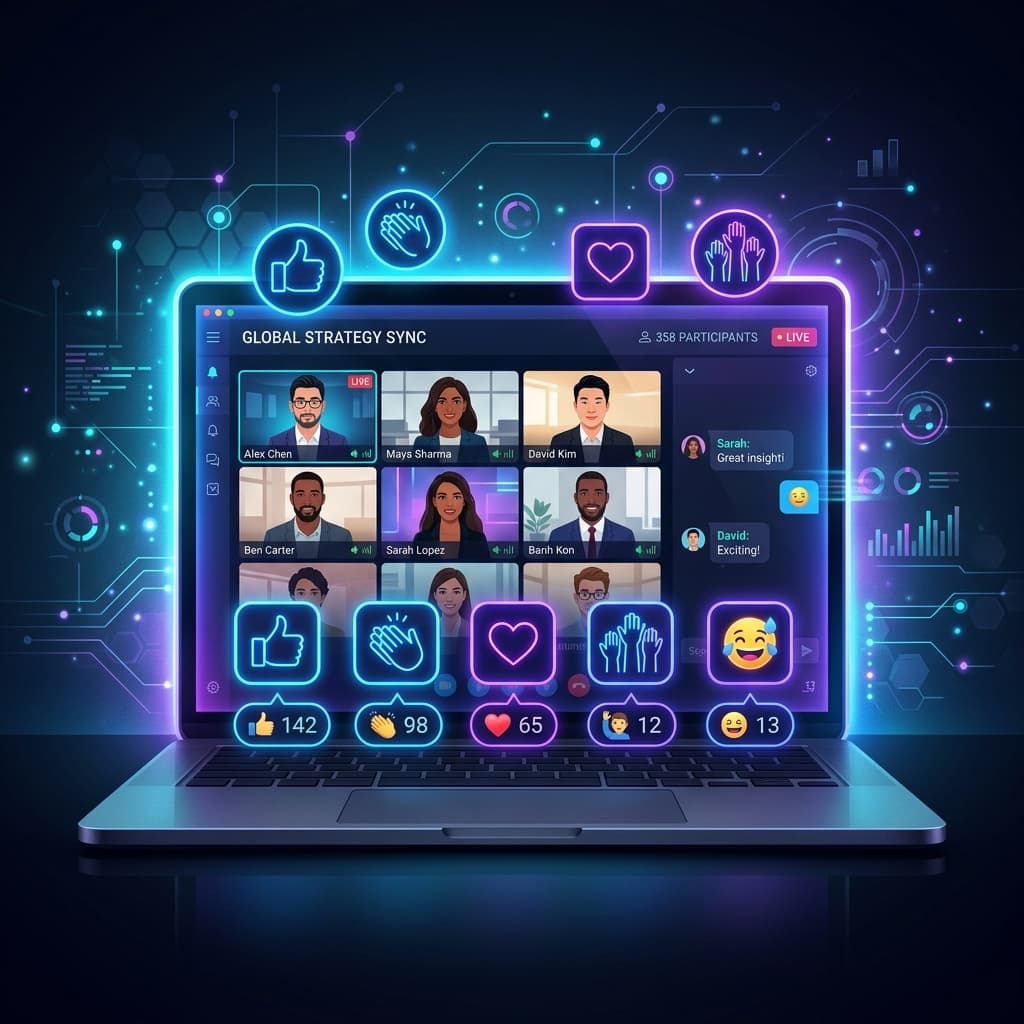
Facilitating online meetings has become a daily task for managers and employees. Yet, who has not noticed a sudden drop in attention after just 10 minutes of screen sharing? Meeting fatigue in remote environments is a measurable reality.
To help you re-energize your exchanges, here is a survival guide structured around 5 simple rules to capture and retain your audience's attention during a 30-minute videoconference.
1. The 30-Minute Time Limit Rule
An effective meeting is a short meeting. Unless absolutely necessary, limit operational check-ins to 30 minutes. This concise format offers a double benefit: it forces the speaker to focus on key facts and keeps the participants active. Beyond this limit, cognitive fatigue dramatically reduces information retention.
2. The Early Interactive Hook
To prevent your colleagues from reading emails in the background, start with a direct interaction within the first 120 seconds. Ask a quick question out loud, run an interactive poll, or ask everyone to state their primary objective for the day. This technique connects each participant to the flow of the meeting.
3. The Minimalist Visual Support Technique
If you are sharing your screen, avoid text-heavy slides. Your support slides should be simple visual cues (a diagram, a key metric, or a single term). If your slides feature long paragraphs, your audience will read them instead of listening to you. As a rule of thumb, a slide should be understood in less than 3 seconds.
4. Use Dynamic Vocal Pacing
Without physical presence, your voice is your only navigation tool. Vary your speaking speed and intonation. To maintain focus, use direct prompting: name your participants to ask for their specific feedback on a point. This re-engages the entire group's active listening.
5. End with a 3-Minute Action Plan
Dedicate the last 3 minutes of the meeting to outline the action plan (who is responsible for what, and by when?). This prevents post-meeting confusion and ensures everyone leaves with clear operational next steps.
6. The Importance of Prior Technical Preparation
We often forget that the impact of remote public speaking relies heavily on your setup. A crackling microphone, poor lighting, or an unstable internet connection can severely disrupt your audience's concentration. Before any high-stake presentation, take two minutes to run a speed test and position your webcam at eye level to make the call feel more human. In addition, choose a quiet environment and close all messaging apps to avoid distracting sounds or pop-up notifications. Investing these short moments in your technical setup instantly highlights your professionalism and maximizes engagement.
Want to test your speaking impact in videoconferences? Practice with our remote meeting simulator tracks on Eloqu'IA.
Ready to master your next interview?
Eloqu'IA combines multi-agent AI recruiters and real-time speech analysis to help you excel during critical job interviews and business meetings.
Related Articles
View all articles →Beating the ATS Filter: How to Boost Your Resume Match Score from 42% to 90%
Why 75% of qualified resumes are filtered out before human review, a...
Construction & Trades Automation: Voice-to-Quote, Invoice Chasing & Job Site Tracking
Electricians, plumbers, contractors, and construction SMEs: save 10 ...
Executive Salary Negotiation: Exact Scripts to Secure a 15% Higher Package
Psychological anchoring, strategic silence after naming your number,...